
Create Subdomain.
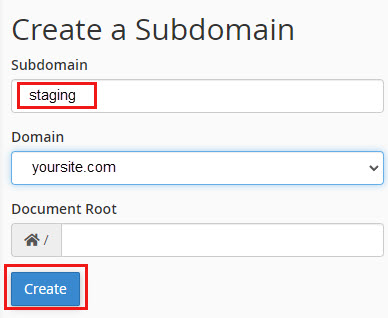
- Under cPanel > Domains, click Subdomains.

- Add subdomain name: staging, then click Create.
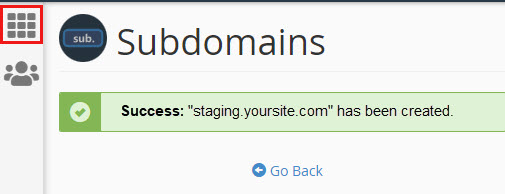
- To return to cPanel dashboard, click the waffle menu.
- Under cPanel > Domains, click Subdomains.
Setup copy of site in staging.
- In cPanel, select Softaculous Apps Installer.

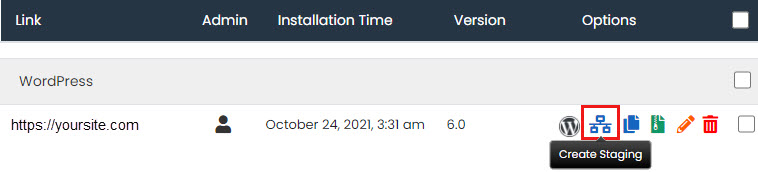
- Select Installations.

- Select Create Staging.
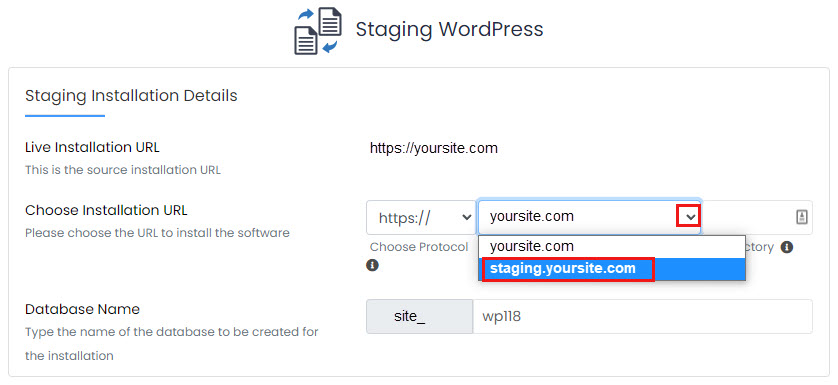
- Under Choose Installation URL, select your staging subdomain.
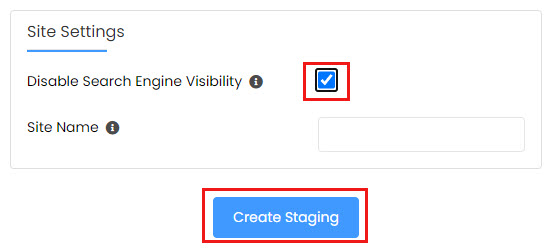
- Under Site Settings, select Disable Search Engine Visibility, then click Create Staging.
- In cPanel, select Softaculous Apps Installer.